
Create a Mascot with Gen AI
Have you ever wanted to create your own mascot but didn’t know where to start?
In the past, building a character meant hiring designers, going through multiple revisions, and spending a lot of time and money. But today, Gen AI is changing everything.
You don’t need a design degree or a big budget to have your own brand mascot. With today’s Gen AI tools capability, anyone can go from a simple idea to a full character design — complete with expressions, colour palette, and even merchandise mockups in a single afternoon.
Why I Create a Brand Mascot
Think about the brands you remember most. McDonald’s has Ronald. Michelin has the Michelin Man. KFC has Colonel Sanders. These aren’t accidents, mascots are one of the most powerful tools in branding because they make your brand feel human.
A mascot gives your brand a face, a personality, and an emotional connection that a logo alone simply can’t create. People don’t fall in love with logos they fall in love with characters.
The problem? Traditionally, creating a brand mascot meant hiring a character designer, going through multiple concept rounds, spending weeks on revisions, and paying thousands of dollars before you even had a first draft. For small businesses, solo creators, and startups, that was simply out of reach.
That’s changed. Today, you can create a brand mascot with AI tools and the results are genuinely impressive. In this guide, I’ll walk you through exactly how to do it, step by step, using the real example of Ori the Owl the mascot I built for my own brand, Oren Digital.
Who is this guide for? This is written for beginners — small business owners, freelancers, content creators, and anyone who wants a brand mascot but has no design background and a limited budget. No technical skills required.
Step by Step to Create a Brand Mascot with AI
- Define your brand personality first
Before you open any AI tool, spend 10 minutes answering three questions: What does my brand do? Who is my audience? What feeling do I want my brand to create? Your mascot needs to reflect the answers. - Choose your mascot type / or let AI plan for you
There are three main categories: animals (most popular — each animal carries built-in personality), humans or humanoid figures, and abstract creatures. Animals work best for most small brands because they’re universally understood.
If you do not know what you want, then let AI plan for you. - Use a text AI to develop your character concept
Start with ChatGPT or Claude. Describe your brand, your audience, or/and what you want the mascot to feel like. Ask it to suggest animals, names, colour palettes, and personality traits. This is where AI shines as a brainstorming partner, it asks the right questions and helps you arrive at a direction you feel confident about before spending time on visuals. - Generate your 2D or 3D concept design
Once you have a clear concept of the animal, the vibe, the colours — use an image AI to generate your initial design. For a clean flat 2D sticker-style mascot, ChatGPT (DALL-E), Adobe Firefly, or Canva’s AI all work well and are beginner-friendly. The key is a detailed, specific prompt. - Build out your character sheet
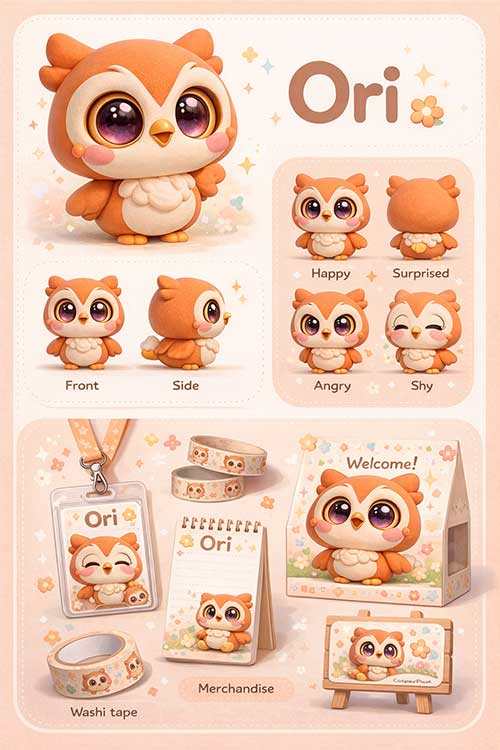
A single image isn’t enough for a proper mascot. You need front/side/back views and at least 4 facial expressions (happy, surprised, angry, shy). Use your first approved design as a reference image in your next prompt this keeps the character consistent across all outputs. - Mock up your merchandise
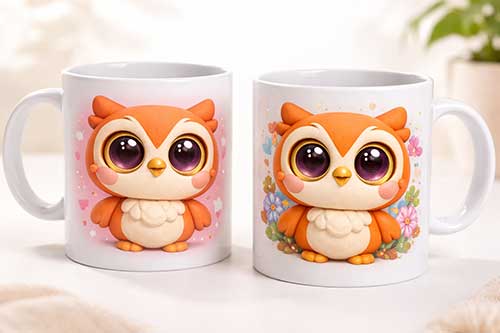
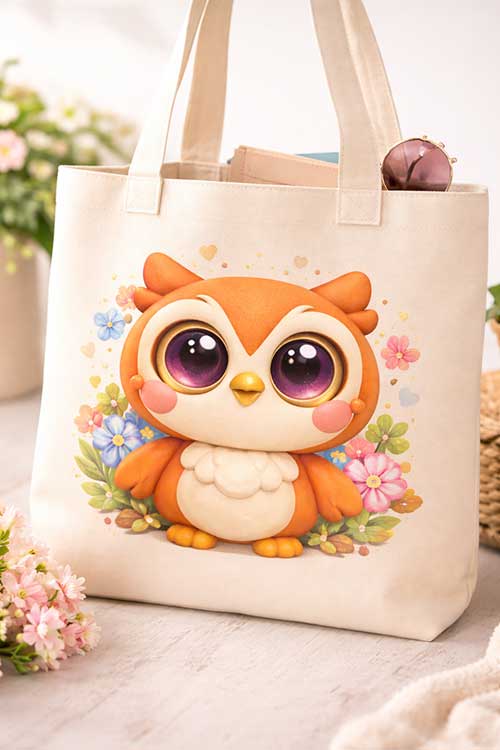
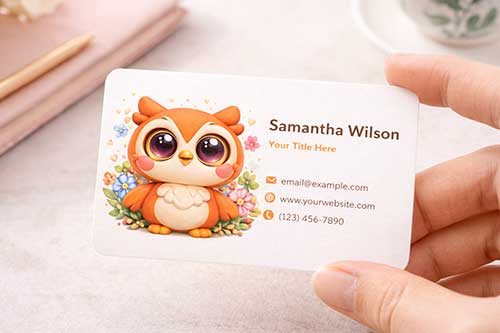
Once you have a clean character, drop it into Canva to preview how it looks on real products stickers, pins, T-shirts, tote bags, packaging boxes. This is the “wow” moment where your mascot stops being a drawing and starts being a brand asset.
The AI Tools You Need (Free and Paid Options)
| Tool | Best For | Cost | Skill Level |
| ChatGPT / Claude | Concept brainstorming, character brief, naming, brand strategy | Free | Beginner |
| ChatGPT (DALL-E) | Quick 2D concept images, beginner-friendly | Free | Beginner |
| Adobe Firefly | Clean flat illustrations, commercial-safe images | Free | Beginner |
| Midjourney | 3D chibi / clay render quality, professional IP look | From ~$10/mo | Intermediate |
| Canva AI | Quick designs + merchandise mockups | Free | Beginner |
Prompt for different step
- Key in your personality
Open ChatGPT or Claude, input all your ideas—everything you’ve brainstormed about yourself or how you envision your mascot—and ask it to generate a detailed prompt you can use to create the mascot. - Use your favourite image AI generator
Use the prompt provided and paste it to your favourite image AI generator. - Create your character sheet and merchandise
Use the mascot and the following prompt to generate the character sheet and merchandise
Use this design (attached) i need to create a series of character sheet and Merchandise
The layout is divided into clearly labeled sections on a soft pastel background matching the character’s color palette:
TOP SECTION: Large hero render of the main Ori character in a 3/4 view pose, with the title text “Name of your Mascot” in clean modern typography beside it.
MIDDLE SECTION LEFT: Three-view turnaround — front view, side view, back view — all labeled in English only (Front / Side / Back), showing consistent design from every angle.
MIDDLE SECTION RIGHT: Emotion/expression sheet showing 4 chibi face expressions — happy, surprised, angry, shy — each in a small rounded panel, labeled in English only.
BOTTOM SECTION: Merchandise mockups featuring the “Name of your Mascot” applied consistently across: ID lanyard badge, notepad, washi tape roll, cosplay packaging box, welcome board sign — all incorporating the character elements. - Enlarge the merchandise
Once you’re satisfied with how the merchandise looks, use this simple prompt: “Please enlarge the notepad.”
Tips and Best Practices for AI Mascot Design
- Start with concept, not visuals
Define personality and values before opening any image tool. A mascot without strategy is just a drawing. - Keep your colour palette small
2–3 brand colours max. More colours make a mascot harder to reproduce consistently across platforms. - Use reference images for consistency
Once you have a design you like, use it as an image reference in all follow-up prompts to keep the character consistent. - Think about scalability early
Your mascot needs to work at 16x16px (favicon) AND 1000x1000px (poster). Test it at small sizes before committing. - Give your mascot a backstory
Even a one paragraph bio gives your mascot depth. Name, personality, hobby, catchphrase it makes the character feel real. - Check commercial usage rights
Adobe Firefly outputs are commercially safe. Always verify the terms for whichever tool you use before putting a mascot on products.
Real Example: How I Created Ori the Owl for Oren Digital
I want to share the real process behind Ori.
I started by sharing my professional background with an Gen AI, I have 15+ years spanning web operations, UX design, mobile development, AI, and analytics. I asked it to analyse what kind of brand mascot would best represent that identity.
The AI’s response surprised me. Instead of jumping straight to design, it reframed my identity: “You bridge creative and technical. Design and code. Strategy and execution.” It suggested an owl because owls represent exactly that wisdom, technical sharpness, and curiosity.
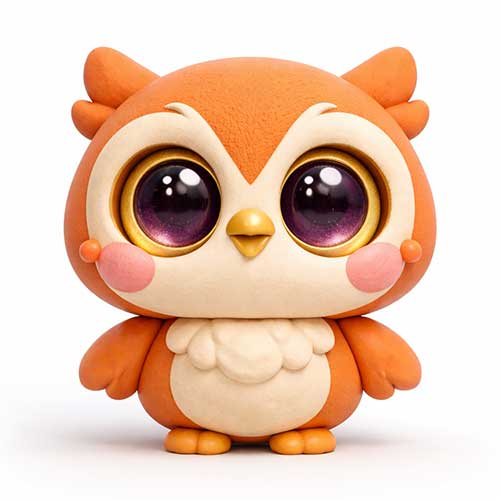
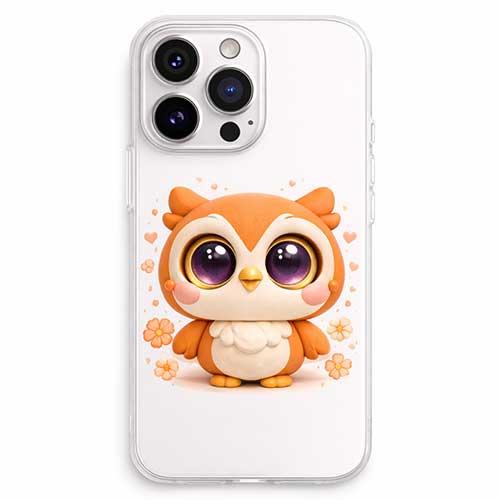
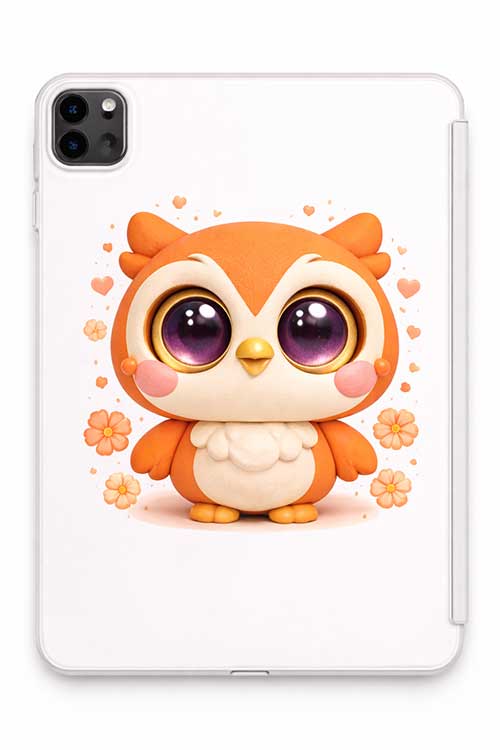
From that conversation, we developed the full Ori character: chibi proportions, oversized golden eyes with purple irises, a tiny beak, rosy cheeks, and stubby little feet. We named the mascot Ori — a natural short form of Oren, meaning “my light.”
The whole exploration — from brand analysis to character concept to full design system — happened in a single session. What would have taken weeks and thousands of dollars with a traditional design agency took an afternoon.
Your Brand Mascot Is Closer Than You Think
Creating a brand mascot with AI is no longer a luxury reserved for big companies with big budgets. The tools available today, many of them free and make it genuinely possible for anyone to build a professional, expressive, and memorable brand character.
The key is to think strategically first: understand your brand, your audience, and what you want your mascot to feel like. Then use AI as your creative partner for brainstorming, concept development, visual generation, and character refinement.
Ori the Owl didn’t come from a design studio. It came from a conversation, a clear brand strategy, and the right tools. Your mascot can too.
Start simple. Pick an animal. Give it a colour and a name. Then let the AI help you bring it to life, one prompt at a time.
Frequently Asked Questions
Can I really create a brand mascot with AI for free?
Yes, for the concept and basic design, absolutely. Tools like ChatGPT, Adobe Firefly, and Canva AI all have free tiers that can get you a solid first design. For higher-quality 3D renders, Midjourney costs around $10–$30/month, but you can trial it with limited credits first.
Do I need design skills to use these AI tools?
No design skills needed at all. The most important skill is being able to describe what you want clearly in words that’s called “prompting.” This guide includes ready-made prompts you can copy and adapt immediately.
How do I keep my mascot looking consistent across different images?
Once you have a design you’re happy with, save that image and use it as a “reference image” in your next AI prompt. In Midjourney, use the –cref (character reference) parameter. This tells the AI to maintain the same character appearance across new generations.
Can I use an AI-generated mascot commercially?
It depends on the tool. Adobe Firefly is specifically designed for commercial use and is generally safe. Midjourney’s paid plans allow commercial usage. Always check the terms of service for whichever tool you use before putting a mascot on products or for sale materials.
What animal makes the best brand mascot?
There’s no single right answer, it depends on your brand personality. Owls suggest wisdom and expertise. Foxes suggest cleverness and agility. Bears suggest strength and reliability. Lions suggest leadership. Think about what three words describe your brand, then find the animal that naturally embodies those traits.
How long does it take to create a brand mascot with AI?
A basic concept and first design can be done in 1–2 hours. A full character sheet with multiple expressions and a colour system typically takes a full afternoon around 3–5 hours. Compare that to 2–6 weeks with a traditional design agency.
Should I hire a designer after using AI?
For personal blogs and small brands, the AI output can be enough. For serious commercial use merchandise, large scale campaigns, or professional brand identity it’s worth bringing in a designer to refine and finalise the AI concepts. Think of AI as the exploration phase, and a designer as the production phase.
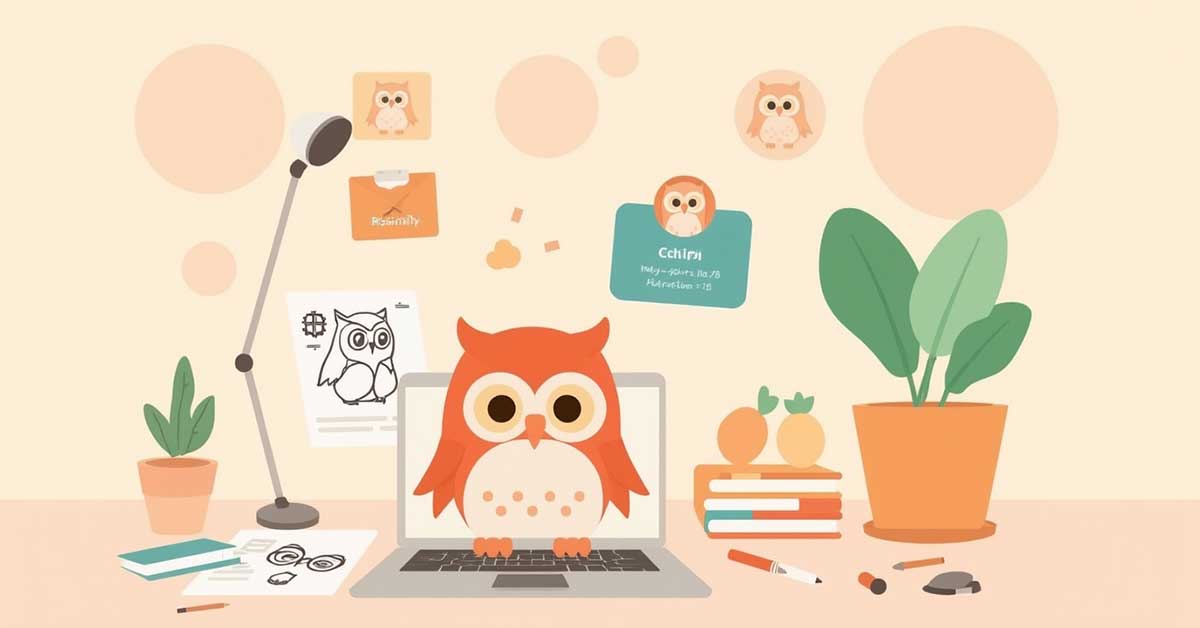
Brand Mascot image output