
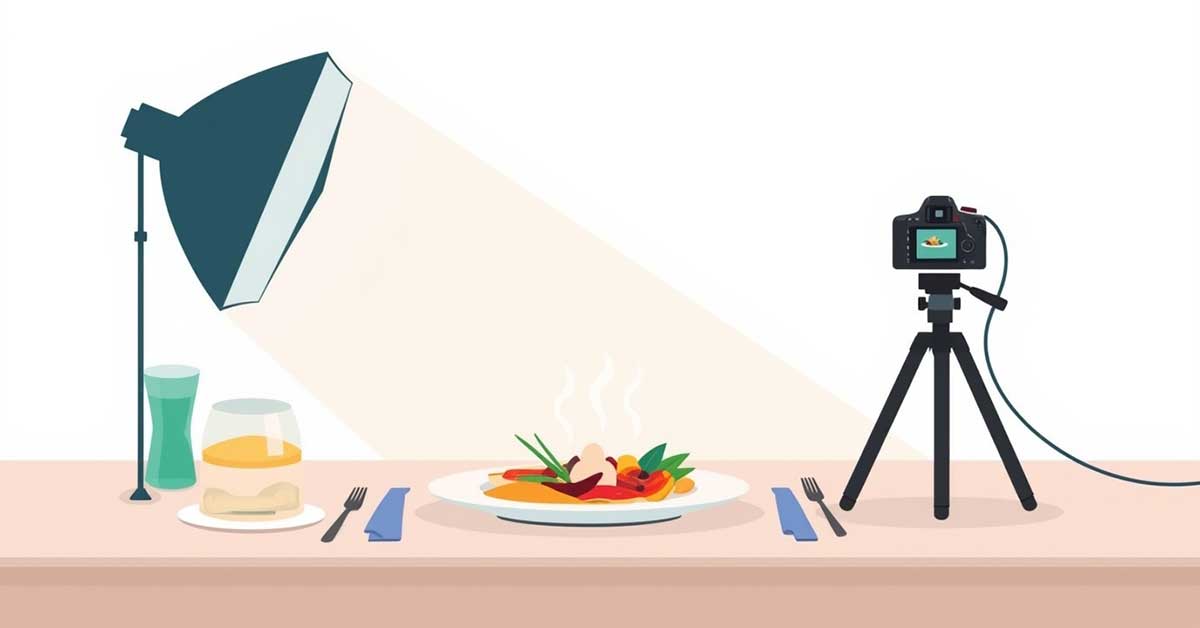
⚡ Key Takeaways
- ✓Professional AI product photos require detailed prompts that include lighting, composition, and camera settings—not just a simple description.
- ✓Describing material and texture (e.g., glass, metal, matte) is essential to ensure accurate and realistic product rendering.
- ✓Clean backgrounds and strong composition help keep the product as the main focus, especially for e-commerce use.
- ✓Using specific lighting terms (soft light, studio lighting, shadows) greatly improves image quality and realism.
- ✓Negative prompts are important to avoid common AI mistakes like blur, distortion, wrong textures, or extra objects.
How to Save Money by Using AI to Generate Professional Product Photos
As a product seller, you know how important professional-quality images are for attracting customers and boosting sales. But hiring a professional photographer can be expensive, and not every small business has the budget for multiple photoshoots.
This is where AI comes in. With AI-powered tools, you can now generate realistic, professional-looking product photos without leaving your desk—or breaking the bank. In this article, we’ll explore how you can save money by using AI to generate your product photos, step by step, and provide practical tips to get the best results.
By the end of this guide, even beginners will feel confident creating stunning, high-quality visuals for their online store, social media, or marketing campaigns.
What the Prompt for AI to Generate Professional Product Photos Should Include
When writing prompts for AI, think of it as giving a recipe: the more ingredients and instructions, the better the result. A good prompt should include:
- Subject / Main Object: Name your product clearly.
- Camera Angle & Composition: Top-down, side view, macro, etc.
- Key Features & Details: Color, texture, shape, materials, or ingredients.
- Action or Dynamic Element: Steam, pouring, hand holding the product, etc.
- Lighting & Mood: Studio, natural, cinematic, soft shadows, reflections.
- Props & Styling: Plates, spoons, napkins, or complementary objects.
- Style & Quality: High-resolution, realistic, commercial photography style.
By combining these elements, your prompt will guide the AI to produce professional-quality product images.
Step-by-Step Guide: Crafting the Perfect AI Prompt
Step 1: Define Your Product and Purpose
Identify what you want to photograph and where the image will be used (e-commerce, social media, ads).
Step 2: Choose the Camera Angle
Decide on the most effective angle:
- Top-down: great for bowls, jewelry, or flat-lay products
- Side view: adds depth and dimension
- Macro: highlights texture or detail
Step 3: Describe Your Product Details
Include key features such as colors, materials, shapes, and textures.
Example:
“Glossy black headphones with silver accents, soft leather ear cushions, braided cable, reflective stainless steel details.”
Step 4: Add Action or Special Elements
Dynamic details make images more appealing. Examples:
- Steam rising from food
- Drizzle of sauce on a dish
- Hand holding the product
Step 5: Specify Lighting and Style
Include lighting direction, shadow type, and background style. Examples:
- Studio lighting, soft shadows, clean white background
- Cinematic warm glow, shallow depth of field
Step 6: Include Props for Styling
Props enhance realism but should not distract from the product. Examples:
- Spoon, plate, napkin, or bowl for food
- Desk accessories for electronics
Step 7: Refine and Iterate
Generate multiple images and tweak your prompt for the best results. Test variations in angles, textures, and lighting until perfect.
Sample Prompt for AI Product Photo
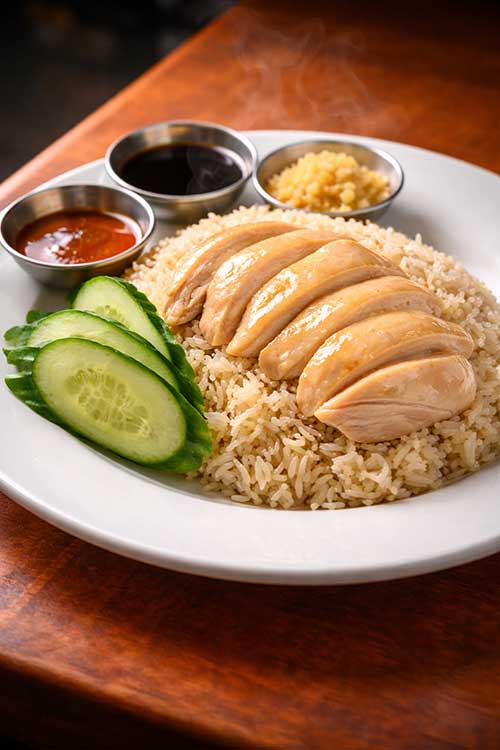
Product: Singapore Chicken Rice (for e-commerce use)
Camera Angle: Top-down view
AI Prompt (Step-by-Step Integrated):
“High-end commercial food photography of Singapore chicken rice, top-down view. The dish features tender poached chicken with glossy, smooth skin, neatly sliced over fragrant oily rice cooked in rich chicken broth. On the side are crisp cucumber slices, a small bowl of dark soy sauce, and minced ginger. Steam rises subtly from the chicken and rice to highlight freshness. Dramatic studio lighting with soft shadows emphasizes glistening textures of the chicken and rice grains. Styled on a simple white plate with a polished stainless steel spoon and a linen napkin nearby. Ultra-realistic food photography, shallow depth of field, macro detail, cinematic lighting, professional commercial style, vibrant colors, 8k resolution.”
1️⃣ Subject & Purpose
High-end commercial food photography of Singapore chicken rice, top-down view, for e-commerce or marketing use.
2️⃣ Main Ingredients & Details
The dish features tender poached chicken with glossy, smooth skin, neatly sliced over fragrant oily rice cooked in rich chicken broth. On the side are crisp cucumber slices, a small bowl of dark soy sauce, and minced ginger.
3️⃣ Action / Special Elements
Steam rises subtly from the chicken and rice to highlight freshness and appetizing texture.
4️⃣ Lighting & Mood
Dramatic studio lighting with soft shadows emphasizes the glistening textures of the chicken and rice grains.
5️⃣ Props / Styling
Styled on a simple white plate with a polished stainless steel spoon and a linen napkin nearby.
6️⃣ Style & Quality
Ultra-realistic food photography, shallow depth of field, macro detail, cinematic lighting, professional commercial style, vibrant colors, 8k resolution.
Tips & Best Practices
- Be specific and detailed: More details = better results.
- Consistency is key: Keep backgrounds and style uniform for product catalogs.
- Experiment with props sparingly: Props should complement, not overshadow, your product.
- Test multiple prompts: Small changes can dramatically improve results.
- Check resolution and quality: Ensure images are high-res for ads and e-commerce.
- Combine AI images with light editing: Adjust colors, remove artifacts, or crop if needed.
Knowing what the prompt for AI to generate professional product photos should include can save you time, money, and effort. With carefully crafted prompts, even beginners can create professional, high-quality visuals for their products.
AI-powered product photography allows experimentation, fast iteration, and limitless creativity—all without hiring expensive photographers. Start practicing today and see your products shine in every image.
FAQ Section
Q1: Do I need photography experience to use AI for product photos?
A1: No, clear and detailed prompts are all you need.
Q2: Can AI create multiple angles of the same product?
A2: Yes! Specify angles in your prompt to generate side views, top-down shots, or macro images.
Q3: Will AI-generated images be realistic enough for online stores?
A3: Absolutely. With well-crafted prompts, AI can produce highly realistic and commercial-ready images.
Q4: Are AI tools expensive?
A4: Many AI platforms offer free or low-cost plans suitable for creating professional images.
Bouns Section
1️⃣ Subject & Purpose
Base: High-end commercial food photography of [PRODUCT], [CAMERA ANGLE], for e-commerce or marketing.
Variations:
- High-end professional product photography of [PRODUCT], 45-degree angle, for social media promotion.
- Ultra-realistic studio photo of [PRODUCT], side view, intended for website catalog.
- Macro-detail photography of [PRODUCT], top-down, perfect for online advertising.
- Clean minimalist product shot of [PRODUCT], 3/4 perspective, for marketing campaigns.
2️⃣ Main Ingredients / Product Details
Base: Features [MAIN INGREDIENTS / KEY PRODUCT FEATURES].
Food Variations:
- Juicy roasted chicken with golden skin over fragrant rice, served with steamed vegetables and sauce.
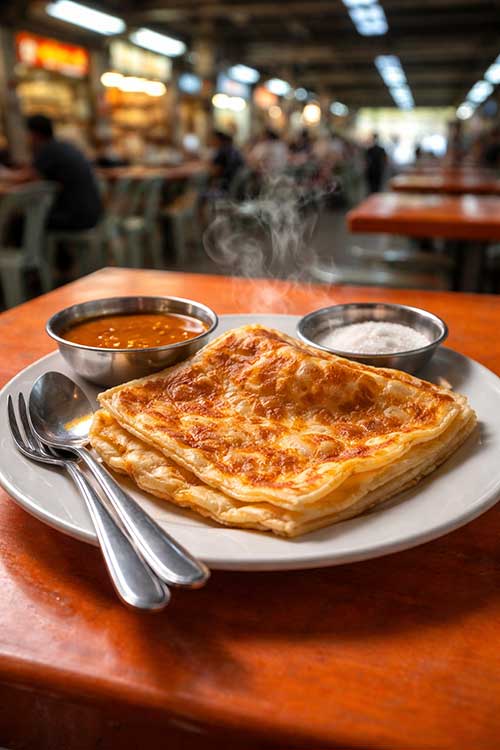
- Crispy golden roti prata stacked on a plate with butter and curry dipping sauce.
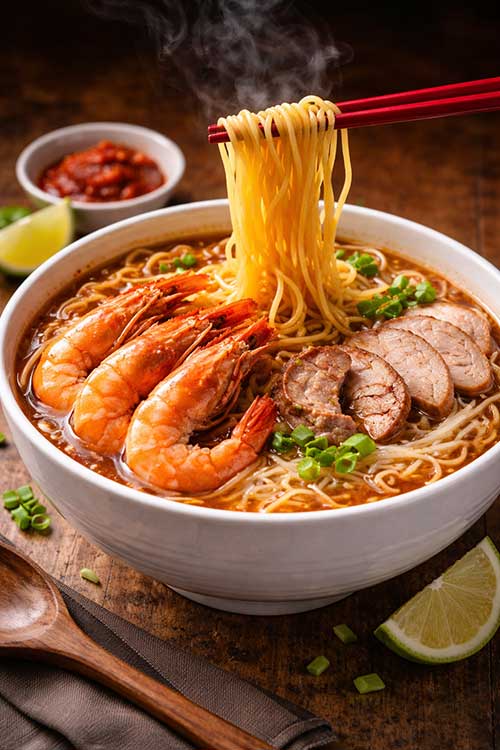
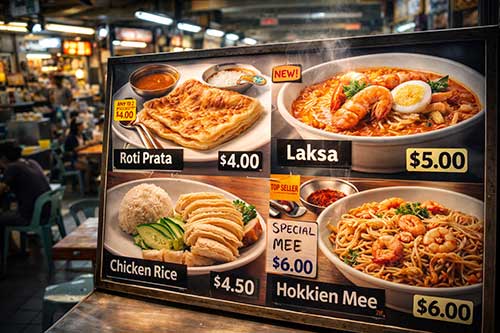
- Thick yellow noodles and rice vermicelli stir-fried with prawns, squid, and pork, garnished with spring onions.
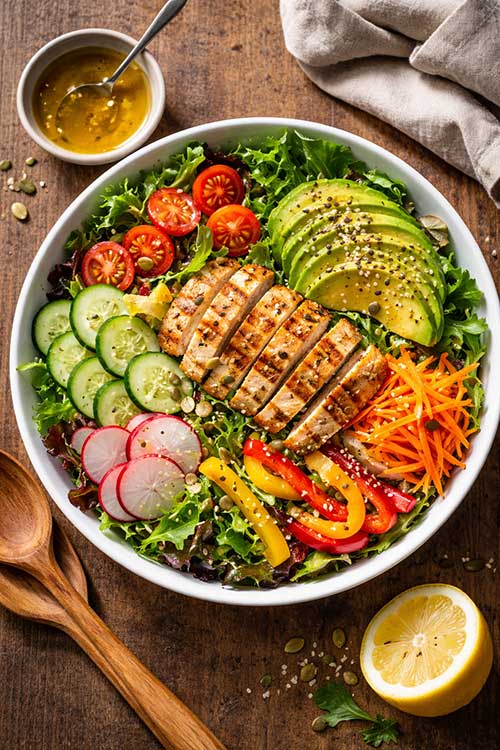
- Fresh salad with vibrant greens, cherry tomatoes, cucumber slices, and a drizzle of dressing.
Non-Food/Product Variations:
- Sleek wireless headphones with matte black finish, reflective metal accents, braided cable.
- Minimalist ceramic mug with smooth glaze and modern handle design.
- Leather wallet with visible stitching, polished texture, and metallic logo.
- Designer sunglasses with tinted lenses and glossy frame reflections.
3️⃣ Action / Special Elements
Base: Add dynamic detail to make the image lively.
Variations:
- Steam rising subtly from the hot dish.
- Drizzle of sauce or dressing falling onto the food.
- Hand picking up or holding the product.
- Small splashes or crumbs to indicate texture.
- Light reflecting dynamically on metallic or glass surfaces.
4️⃣ Lighting & Mood
Base: Define the lighting to emphasize textures and mood.
Variations:
- Dramatic studio lighting with soft shadows.
- Warm cinematic glow highlighting product textures.
- Bright, natural daylight from the side for a clean look.
- Soft diffused light for a flat-lay or top-down style.
- Moody low-light with subtle highlights for premium feel.
5️⃣ Props / Styling
Base: Add props to enhance realism without distracting from the product.
Food Variations:
- White ceramic plate, polished stainless steel spoon, linen napkin.
- Wooden serving tray with banana leaf lining and small sauce bowls.
- Minimalist flat-lay props: small herbs, cutlery, glass of water.
- Small serving bowls with side condiments or garnishes.
Non-Food/Product Variations:
- Clean desk with notebook, cup, and minimal accessories.
- Neutral background with a small plant or decorative object.
- Soft fabric drape underneath for texture and contrast.
- Transparent acrylic stand to elevate the product slightly.
6️⃣ Style & Quality
Base: Ultra-realistic, professional, cinematic, high-resolution.
Variations:
- Ultra-realistic photography, macro detail, shallow depth of field, 8k resolution.
- Professional commercial photography style, vibrant colors, realistic shadows.
- Studio product photography with clean background, high contrast, sharp focus.
- Hyper-realistic food/product render, cinematic lighting, photorealistic textures.
- Minimalist vector-inspired style, bright and clean for e-commerce banners.
Output Sample